




Read More

Seen this product cheaper elsewhere?
Call 0345 2300 599Wires-X Connection Cable Kit for Yaesu FT-5DR, FT-3DR, FT-2DR
The Wires-X Connection Cable Kit is designed for use with Yaesu FT-5DR, FT-3DR, and FT-2DR radios. It includes everything you need to establish a connection between your radio and a computer for various purposes.
Kit Contents:
- USB micro-B to USB A radio interface cable
- Audio 3.5mm patch cables
- Adapter for direct connection to PC
Specifications:
- Compatible with: FT-2DR, FT-3DR, FT-5DR
- Computer/Radio Connector Type: USB micro-B to USB A cable
- Remote Port Connector: USB micro-B female
- USB Mini to Transceiver Remote Adapter Included: No
- USB Driver Software Included: No
- Includes SCU-55, CT-44, and 2 Audio Cables
Find below instructions for configuring the FT5D with Wires-X:
- Firmware Update:
- Ensure FT5D is running the latest 1.11 firmware.
- If not, update using the provided USB cable (not SCU-57), external SAD PSU, download Yaesu USB drive, and Firmware update program.
- Slide the switch upwards to the main firmware update position.
- Network Configuration:
- Internet Router and PC must have uPNP enabled for Wires-X software.
- If uPNP is not enabled, open and assign Ports 46100, 46110, 46112, 46114, 46120, and 46122 to the IP address of the host PC.
- WiresX Registration:
- Navigate to the WiresX registration website: WiresX Registration.
- Register your email and callsign.
- Wait for a confirmation email directing you to the registration page.
- Obtain the Radio ID from the radio (not the serial number).
- Waiting Period:
- Wait 1-2 weeks until Yaesu WiresX emails you with DTMF User ID & DTMF Node ID.
- Driver and Software Downloads:
- Download SCU-57 Prolific driver from Yaesu: SCU-57 Driver
- Download WiresX PDN software from Yaesu
- FT5D Configuration:
- Enable Wires-X mode on FT5D by switching off the radio, holding the WiresX button & the button above, and turning the radio back on.
- Connect SCU-57 digital USB cable to PC & Radio.
- Audio Configuration:
- Ensure the target Windows PC has an external Microphone & Headset Jack.
- If not, the Wires-X software may not work.
- Use a USB headset or a USB to analogue adapter if needed.
- Wires-X Software Setup:
- Start Wires-X software and enter Radio ID, User ID & Node ID.
- If an error message appears (‘no audio device detected’), plug in a USB headset or a jack plug to the PC Microphone socket.
- Connectivity:
- Connect to the America link to begin, as it is very active.
NOTE: In PDN mode, a Room CANNOT be hosted; to host a Room, HRI-200 needs to be purchased.
Using Wires-X is NOT the same as using a Hotspot & YSF, this is real Yaesu hosted Wires-X, not 3rd party YSF
Feel free to reach out if you have any questions to [email protected]
Wires-X Connection Cable Kit for Yaesu FT-5DR, FT-3DR, FT-2DR
The Wires-X Connection Cable Kit is designed for use with Yaesu FT-5DR, FT-3DR, and FT-2DR radios. It includes everything you need to establish a connection between your radio and a computer for various purposes.
Kit Contents:
- USB micro-B to USB A radio interface cable
- Audio 3.5mm patch cables
- Adapter for direct connection to PC
Specifications:
- Compatible with: FT-2DR, FT-3DR, FT-5DR
- Computer/Radio Connector Type: USB micro-B to USB A cable
- Remote Port Connector: USB micro-B female
- USB Mini to Transceiver Remote Adapter Included: No
- USB Driver Software Included: No
- Includes SCU-55, CT-44, and 2 Audio Cables
Find below instructions for configuring the FT5D with Wires-X:
- Firmware Update:
- Ensure FT5D is running the latest 1.11 firmware.
- If not, update using the provided USB cable (not SCU-57), external SAD PSU, download Yaesu USB drive, and Firmware update program.
- Slide the switch upwards to the main firmware update position.
- Network Configuration:
- Internet Router and PC must have uPNP enabled for Wires-X software.
- If uPNP is not enabled, open and assign Ports 46100, 46110, 46112, 46114, 46120, and 46122 to the IP address of the host PC.
- WiresX Registration:
- Navigate to the WiresX registration website: WiresX Registration.
- Register your email and callsign.
- Wait for a confirmation email directing you to the registration page.
- Obtain the Radio ID from the radio (not the serial number).
- Waiting Period:
- Wait 1-2 weeks until Yaesu WiresX emails you with DTMF User ID & DTMF Node ID.
- Driver and Software Downloads:
- Download SCU-57 Prolific driver from Yaesu: SCU-57 Driver or from Prolific: Prolific Driver.
- Download WiresX PDN software from Yaesu: WiresX PDN Software.
- FT5D Configuration:
- Enable Wires-X mode on FT5D by switching off the radio, holding the WiresX button & the button above, and turning the radio back on.
- Connect SCU-57 digital USB cable to PC & Radio.
- Audio Configuration:
- Ensure the target Windows PC has an external Microphone & Headset Jack.
- If not, the Wires-X software may not work.
- Use a USB headset or a USB to analogue adapter if needed.
- Wires-X Software Setup:
- Start Wires-X software and enter Radio ID, User ID & Node ID.
- If an error message appears (‘no audio device detected’), plug in a USB headset or a jack plug to the PC Microphone socket.
- Connectivity:
- Connect to the America link to begin, as it is very active.
NOTE: In PDN mode, a Room CANNOT be hosted; to host a Room, HRI-200 needs to be purchased.
Using Wires-X is NOT the same as using a Hotspot & YSF, this is real Yaesu hosted Wires-X, not 3rd party YSF
Feel free to reach out if you have any questions to [email protected]
Shipping & Delivery
We offer UK and international delivery services, including next working day and selected weekend options for eligible orders. Available services, prices and estimated delivery times are displayed at checkout.
Delivery Information
Delivery options depend on the parcel's size, weight, contents and destination. Express and weekend services are subject to availability and cut-off times. Oversized or exceptionally heavy items may require a specialist delivery quotation.
Returns & Cancellations
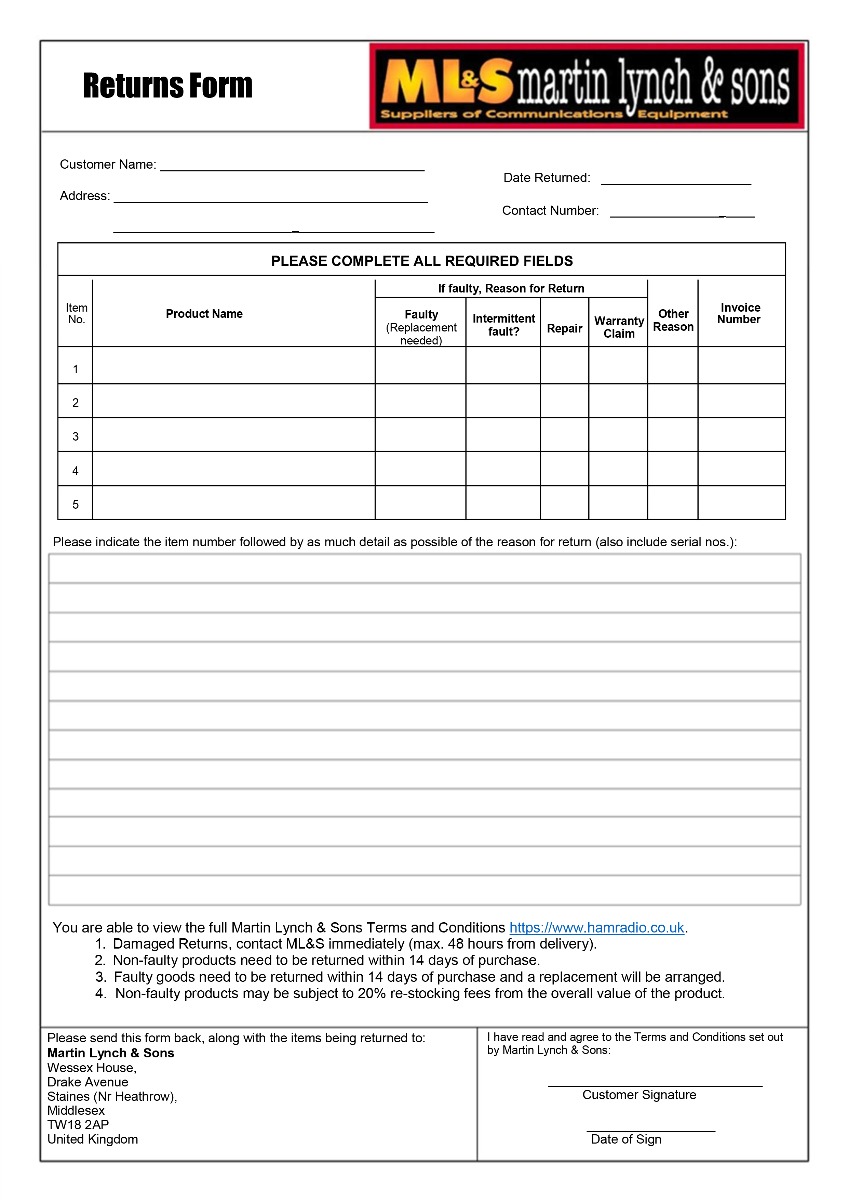
To arrange a return, please contact ML&S or complete our returns form. You may also exercise your statutory right to cancel by email or another clear statement, without completing the form.
Changed Your Mind?
Under the Consumer Contracts Regulations 2013, most purchases made online or by telephone can be cancelled within 14 days of receipt.
You must notify us of your cancellation within this period and return the goods within a further 14 days.
Please handle all goods with care. Returned items must be in a resaleable condition, complete with their original packaging, and all supplied accessories.
You may inspect goods as you would in a shop. Handling beyond what is necessary to inspect them may result in a lawful deduction for diminished value.
Exceptions
Modified Equipment & Reversal Charges
Additional return conditions may apply to equipment modified at the customer's request, including wideband transmit or receive modifications.
ML&S may charge a reasonable fee to reverse physical modifications and restore the equipment to its original factory specification. Any such charge will be agreed in advance and deducted from your refund.
Custom-Made Cable Assemblies
Coaxial cable assemblies manufactured to a customer's specifications are excluded from the 14-day return policy and are non-refundable unless faulty.
Software & Labour Charges
Labour and modification charges requested by the customer are non-refundable once the work has been completed.
Computer software may only be returned under the 14-day return policy if it remains sealed and unopened.
Return Postage Charges
Customers are responsible for the direct cost of returning unwanted or incorrectly ordered goods, where permitted by law. You may arrange your own suitable return postage or use one of our optional prepaid services.
Standard Parcels
Royal Mail Return Label
£5.95
Per parcel
For eligible standard-sized parcels, subject to Royal Mail restrictions. Free collection included.
Larger Parcels
DPD Return Label
£7.95
Per parcel
For larger or heavier parcels and any shipments with batteries.
Collection Service
DPD Collection
£25.00
Per parcel
Available upon request for eligible addresses, subject to availability.
Prepaid return charges will be confirmed before booking and deducted from your refund.
These prices apply to eligible UK mainland returns. Oversized items, specialist products and returns from other destinations may require a separate quotation. Estimated return costs will be disclosed before purchase.
Faulty or Incorrectly Supplied Goods
Return postage charges do not apply to faulty, damaged or incorrectly supplied goods returned under statutory rights. ML&S will arrange a free return in these circumstances.
Refunds
Refunds are processed without undue delay following receipt and inspection of returned goods, and no later than 14 days after we receive goods returned under statutory cancellation rights.
Refunds will be issued to the original payment method. Any prepaid return postage charges or lawful deductions for diminished value will be itemised.
Warranty Terms & Conditions
New Equipment Warranty
Minimum 2-Year Warranty
All new products supplied by ML&S carry a minimum two-year warranty against manufacturing defects, excluding batteries, which are covered by separate warranty terms.
Some manufacturers provide extended warranties, such as the three-year warranty available on eligible Yaesu equipment. Any additional coverage is subject to the manufacturer's terms and conditions.
Our workshop may assess and repair faulty equipment on site or refer it to the manufacturer or an authorised service centre where necessary.
Warranty exclusions may include batteries, normal wear and tear, accidental damage, misuse and unauthorised modifications, as specified in the applicable warranty terms.
All warranties are provided in addition to your statutory consumer rights against ML&S, which are not limited by the warranty period.
International Returns & Warranty
Unless otherwise stated, ML&S warranty servicing is carried out in the UK. International customers must contact us before returning goods to confirm shipping and customs requirements.
International customers are responsible for return postage unless the goods are faulty and ML&S has been notified within a reasonable time.
ML&S accepts no responsibility for additional charges resulting from incorrectly completed customs documentation. Any additional duties charged to ML&S as a result will be billed to the customer before return of the goods.
Need Help With a Return?
Our team can assist with returns, postage arrangements, modifications and warranty claims.
Nothing in these terms excludes or limits your statutory consumer rights.